
KDPlan Dashboard
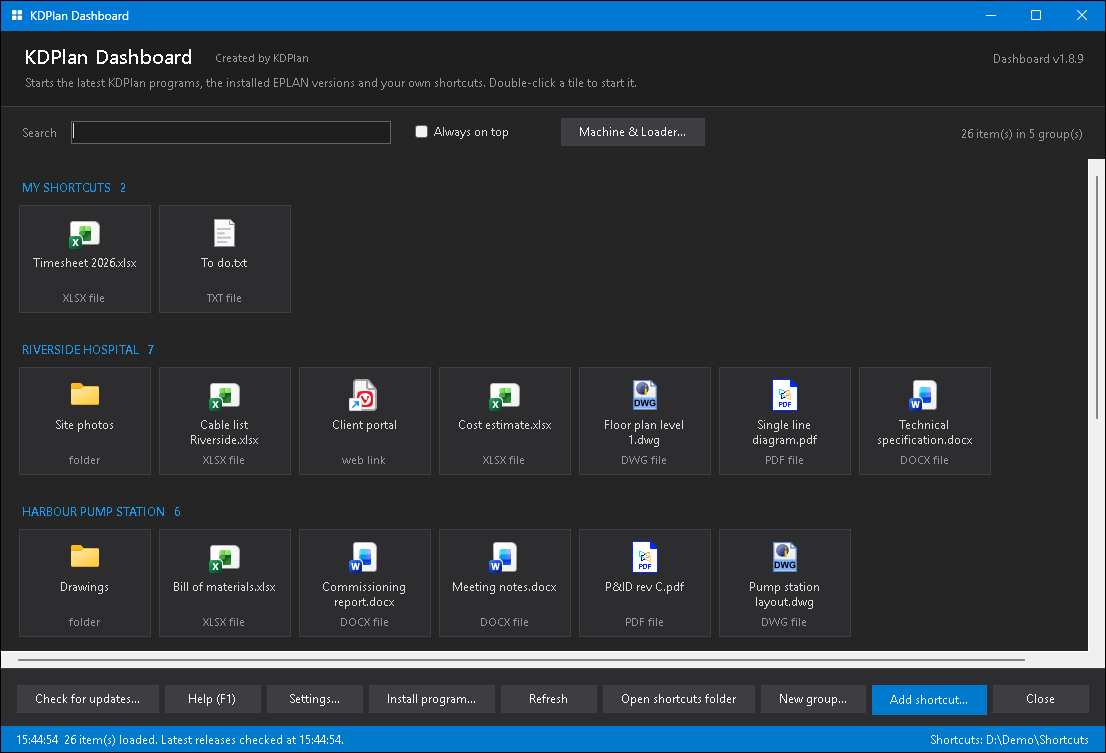
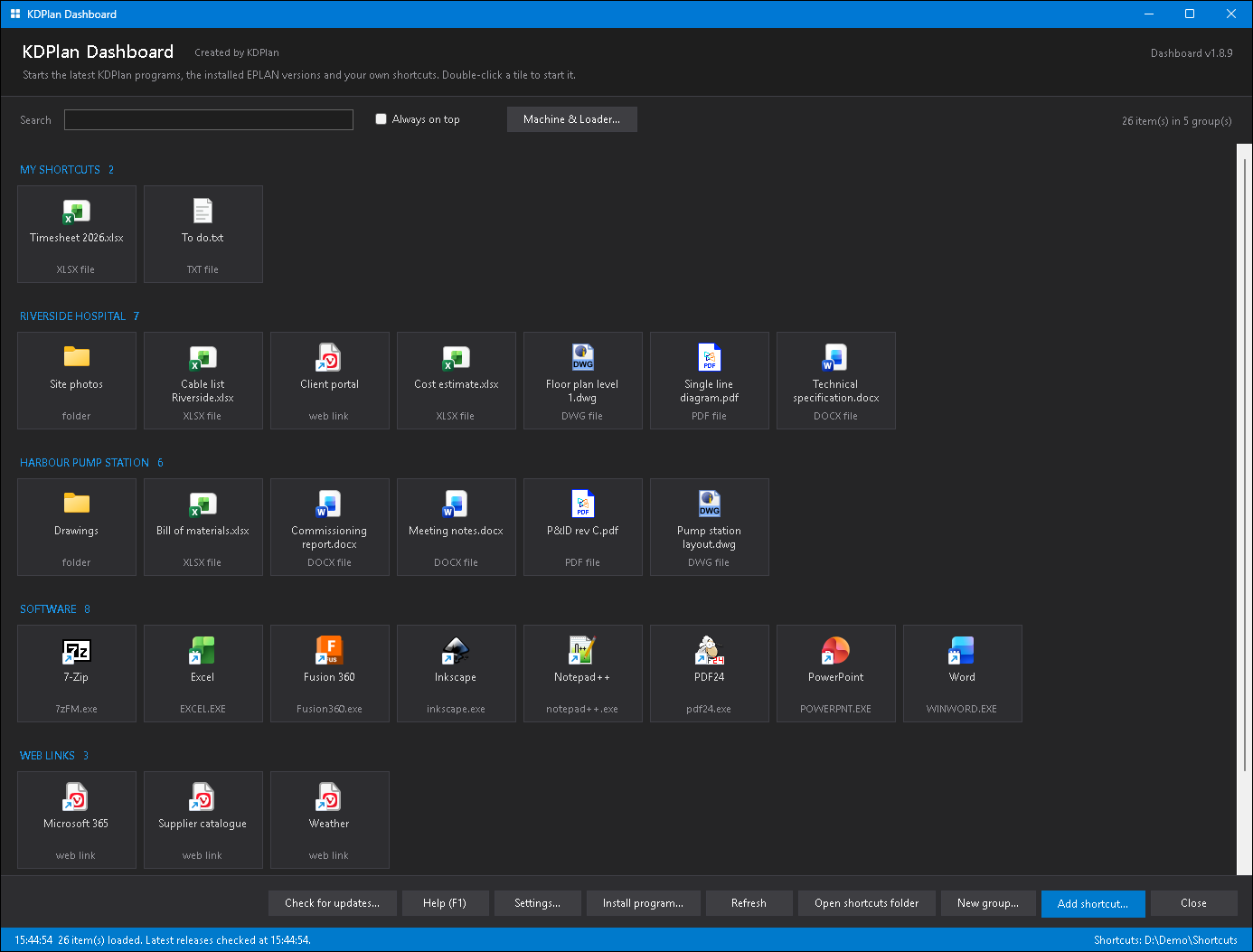
Your projects, files, folders, programs and web links together on one dashboard. Group everything that belongs to a project, so you open it with a double-click instead of searching through folders and desktop icons. One small exe, no installation rights needed, and it works for anyone who wants their shortcuts organised — with or without EPLAN..
What does it do?
Key features
- One place for everything: programs, documents, folders and web links as tiles, sorted into your own groups (for example one group per project).
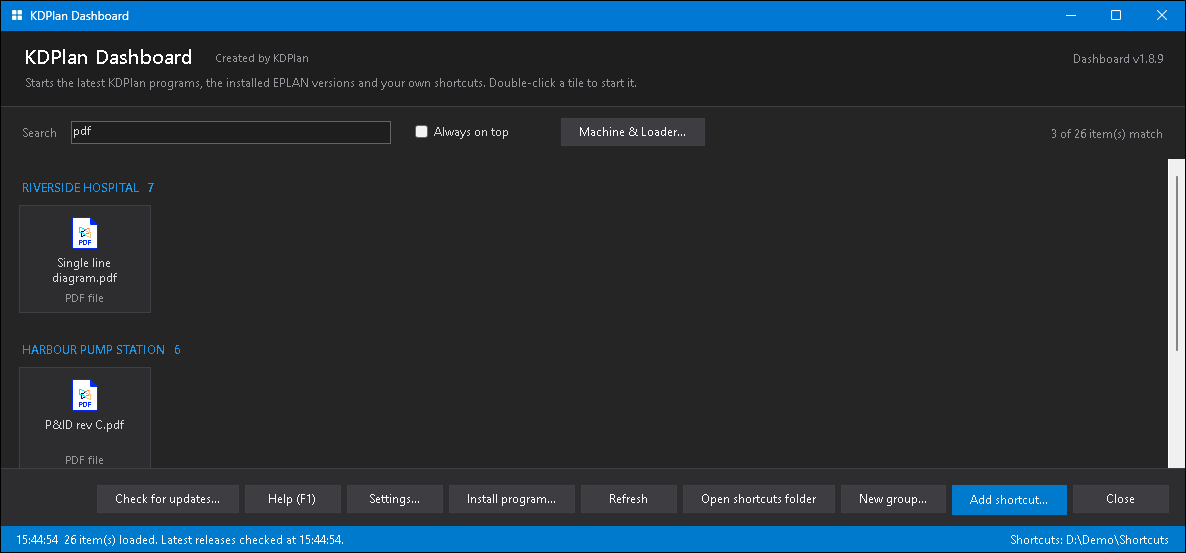
- Add items with Add shortcut or by dragging files, folders or browser links onto the window; search finds any tile instantly.
- Keep the shortcuts folder on a shared or synced drive and every PC shows the same dashboard.
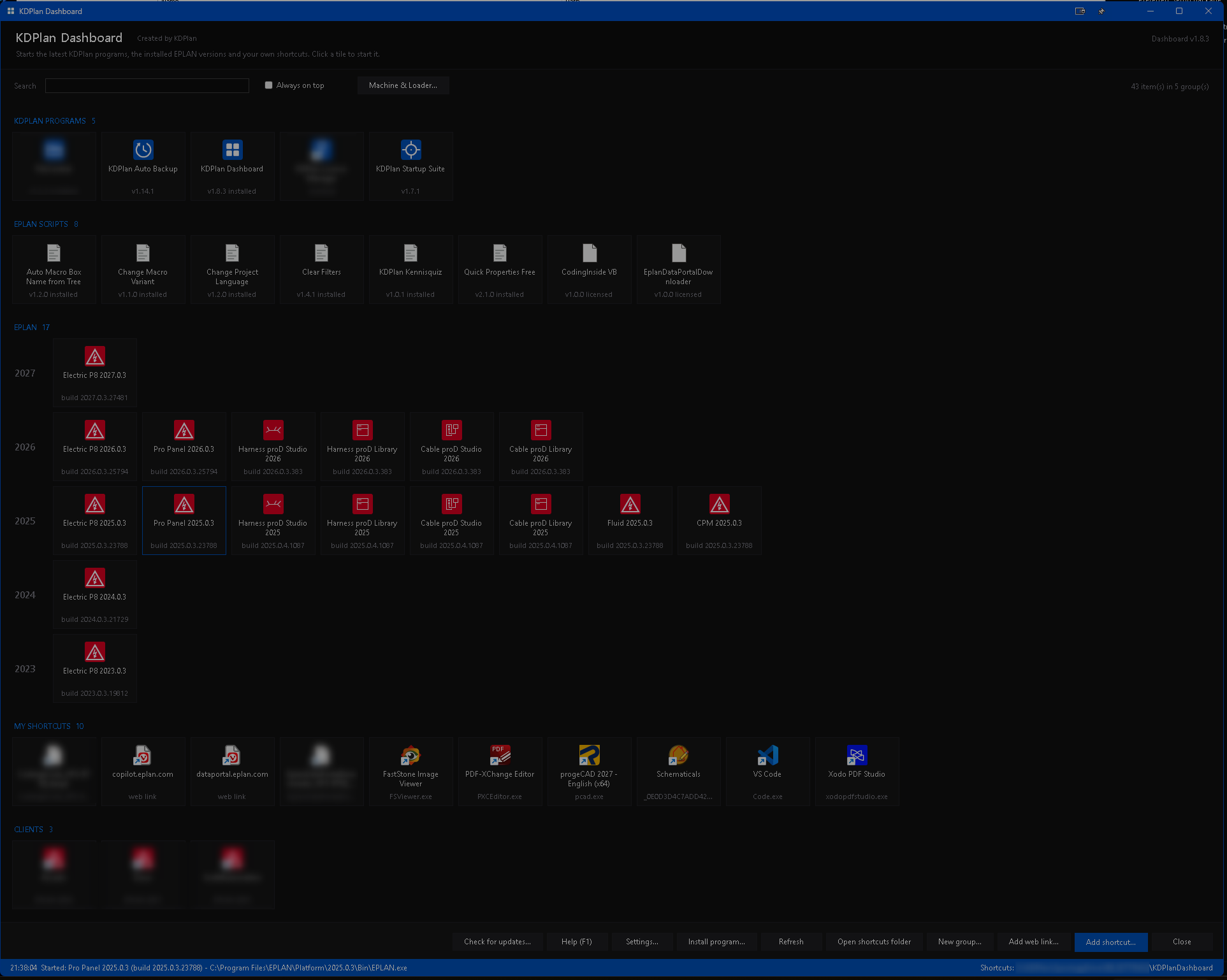
- Works without EPLAN. When EPLAN is installed, it also finds every version and variant (Electric P8, Pro Panel, Fluid, CPM, Preplanning, Harness / Cable proD) and starts the right one.
- Installs KDPlan programs and EPLAN scripts from their zip after you review them; settings and licenses stay outside the program files.
Edition and licensing
Free; no license required.
Version: 1.9.0
What’s new
- 1.9.0 13 Nov 2026 Choose in Settings whether a tile starts with a single click or a double-click; open everything of a group at once (right-click > Open all) and fold or unfold groups with a click on the group name.
- 1.8.9 10 Nov 2026 Licensed Loader 2.8.2: no more ‘ECI_ExecuteMiniScript_V3’ message at EPLAN start and a clearly visible “Load scripts and modules at EPLAN start” check box; the Licensed Loader now has its own manual (PDF); updated manual.
- 1.8.8 10 Nov 2026 Help (F1) opens the manual as a PDF; updated manual; Licensed Loader 2.8.1 also fetches the EPLAN blacklist for a paid module that is not loaded yet.
Download and installation
Install the ZIP package with KDPlan Dashboard or follow its included Install.cmd instructions. Load EPLAN scripts in EPLAN via Utilities > Scripts > Load.
