
KDPlan Auto Backup
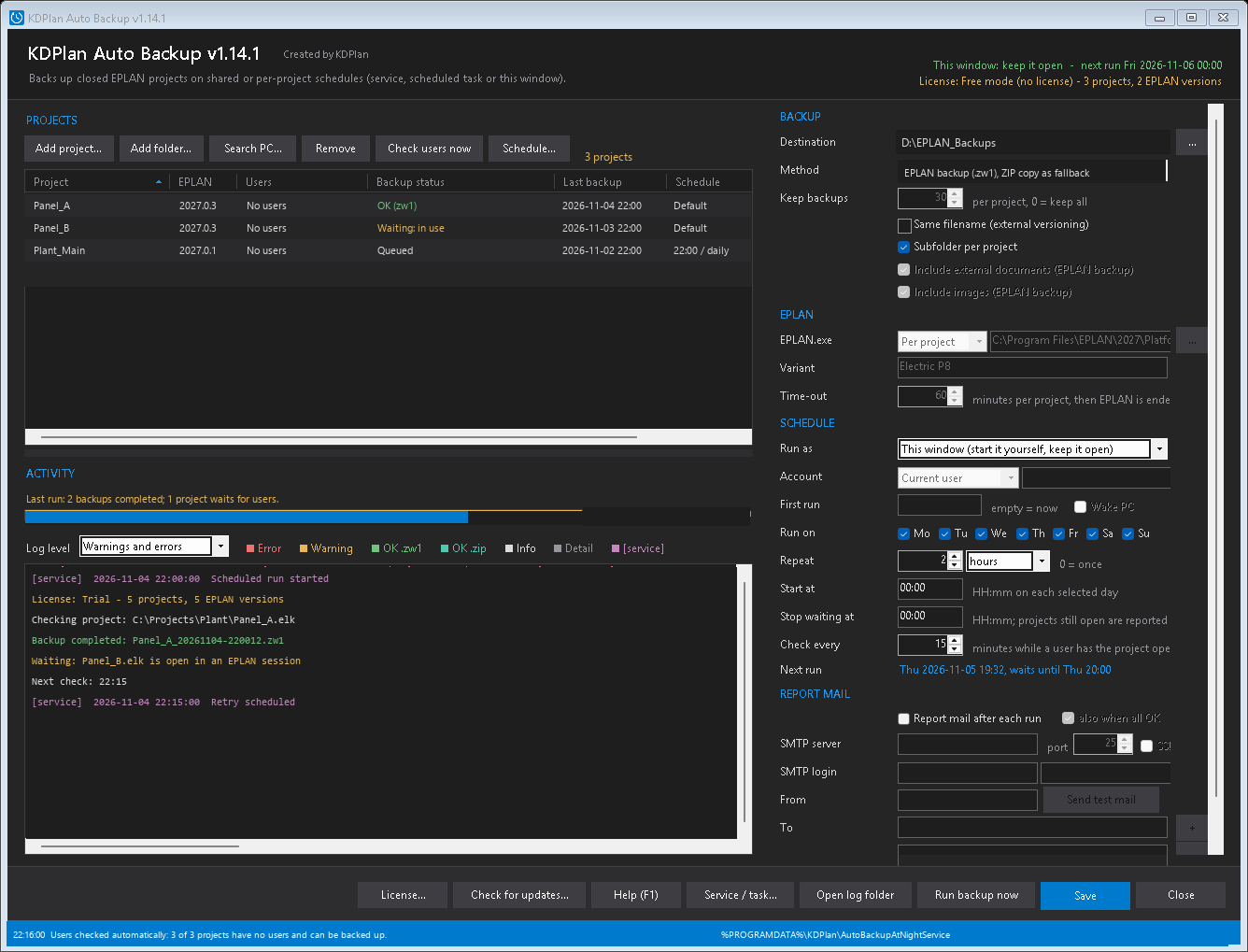
Never lose a day of engineering work to a forgotten backup. KDPlan Auto Backup runs silently in the background, automatically securing multi-user projects the moment they are closed. Zero manual effort, zero workflow interruptions, and complete peace of mind against server crashes or accidental overwrites.
What does it do?
Key features
- Run as a Windows service or scheduled task.
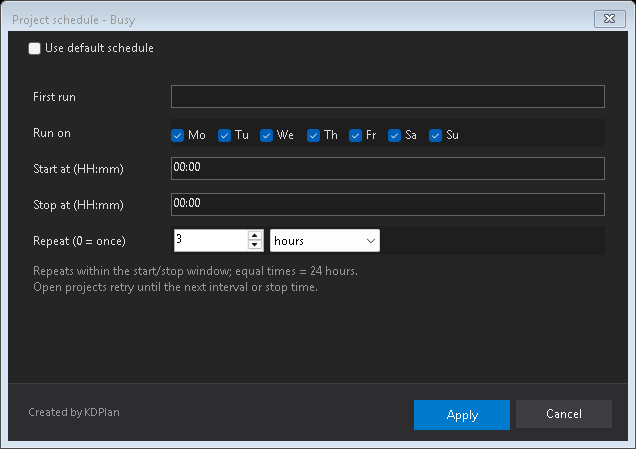
- Set run days, time windows and per-project schedules.
- Detect active project use and retry later.
- Use EPLAN .zw1 backup or ZIP fallback, with retention settings.
- Optionally send a run report by email.
Edition and licensing
14-day full trial; a limited Free mode remains afterwards. Review current limits in the program before deployment.
Version: 1.14.2
Price and licence
Standard
€249
per site per year, excl. VAT
- One backup server or PC
- 25 projects
- 3 EPLAN versions
Pro
€499
per site per year, excl. VAT
- One backup server or PC
- 99 projects
- 10 EPLAN versions
Ultimate
€749
per site per year, excl. VAT
- One backup server or PC
- 999 projects
- 10 EPLAN versions
What do you pay for?
- A yearly licence for one site: one backup server or PC that runs the service. All updates, bug fixes and support are included, also for new EPLAN versions.
- Renewal: 30 days before the end date you receive an invoice for the next year, then a new licence file. Not renewing? Just let us know; there is no automatic payment.
- After the end date the licence keeps working for 30 days. Then the program, including the scheduled backups, stops until you renew. Your projects and data are not touched.
- The licence is bound to that backup server or PC (Machine ID). New PC? Ask for a transfer.
- Try it first? The download runs fully for 14 days (5 projects, 5 EPLAN versions), then in Free mode. Custom work and on-site training are not included; ask for a quote.
- All prices in euro, excluding 21% VAT, for businesses. Read the licence terms.
What’s new
- 1.14.2 5 Nov 2026 Shorter window titles and more reliable import of licence status files.
- 1.14.1 5 Nov 2026 Digitally signed with the KDPlan certificate: Windows shows KDPlan as the publisher.
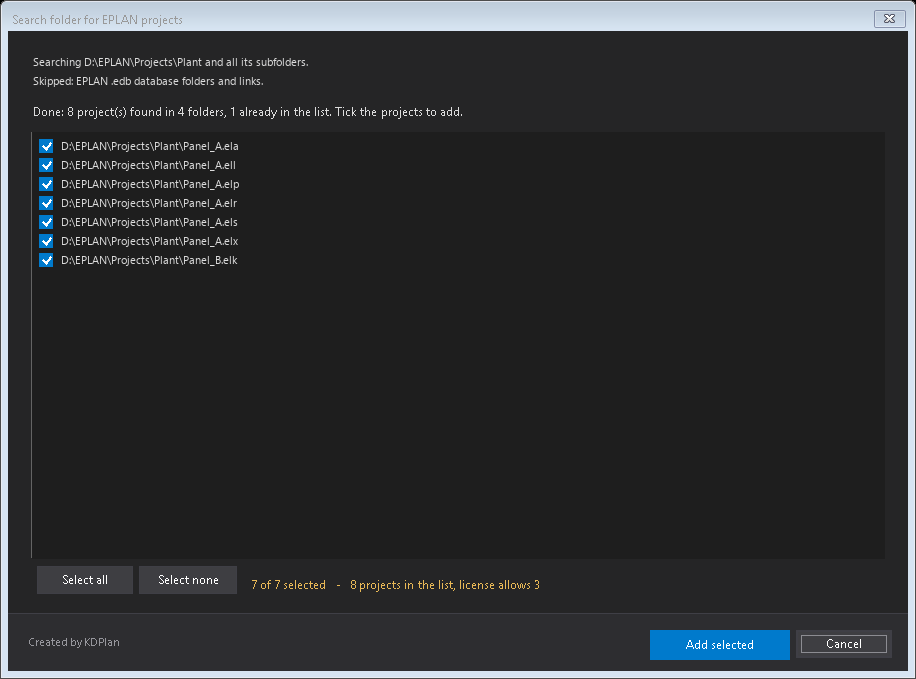
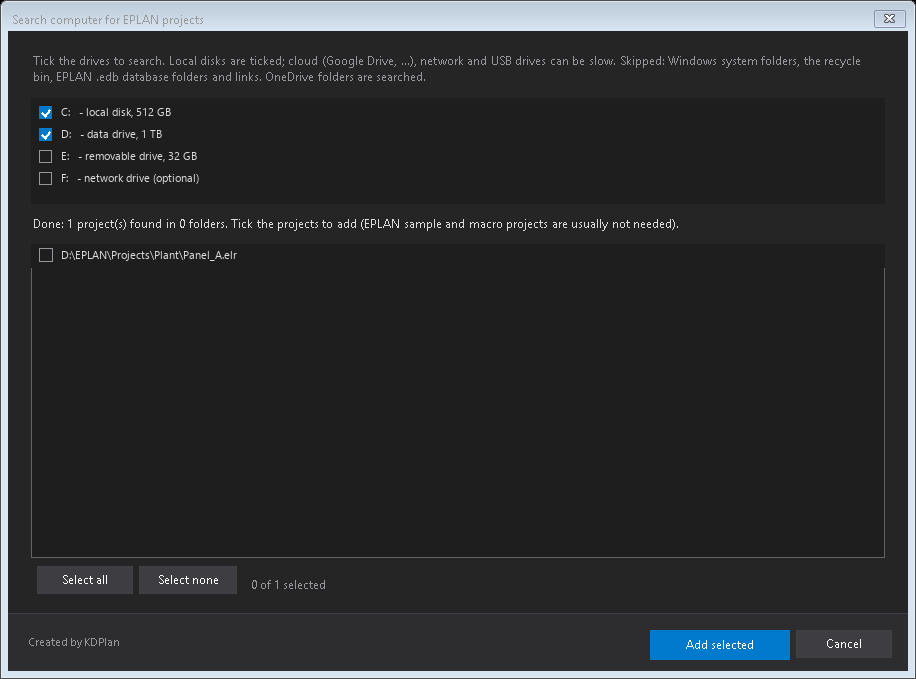
- 1.13.0 27 Oct 2026 New: Search PC finds EPLAN projects on whole drives in the background; Add folder shows a checklist and also searches OneDrive.
Download and installation
Install the ZIP package with KDPlan Dashboard or follow its included Install.cmd instructions. Load EPLAN scripts in EPLAN via Utilities > Scripts > Load.
