
Quick Properties Free
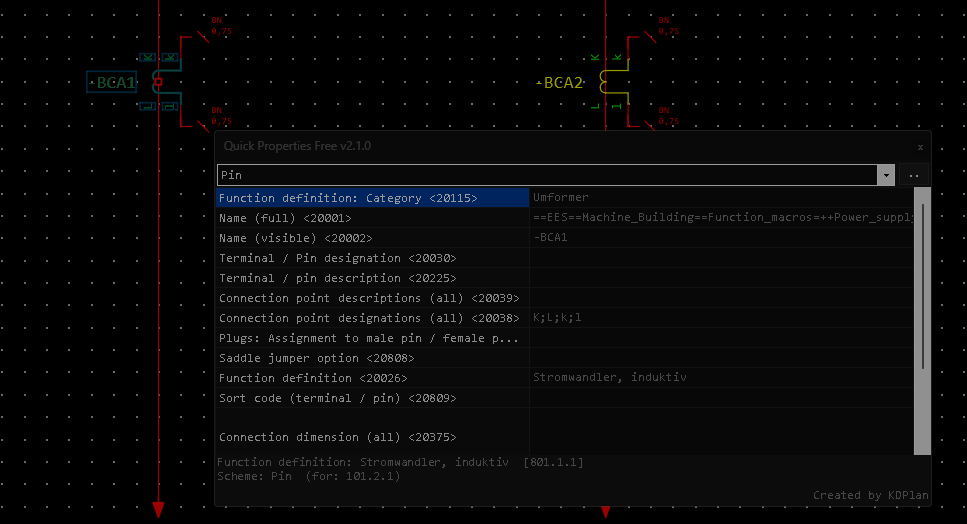
Stop digging through sluggish, multi-level EPLAN property dialogs. Quick Properties Free brings your most frequently edited properties directly beside your cursor. Modify device tags, values, and visual properties in a fraction of a second — streamlining your daily schematic design workflow.
What does it do?
Immediate Time Savings & Features
- Instant inline editing: Adjust selected object properties on the fly without opening the heavy, full property dialog window.
- Safe tag modifications: Update device tags across selections with complete Ctrl+Z (undo) safety to prevent accidental errors.
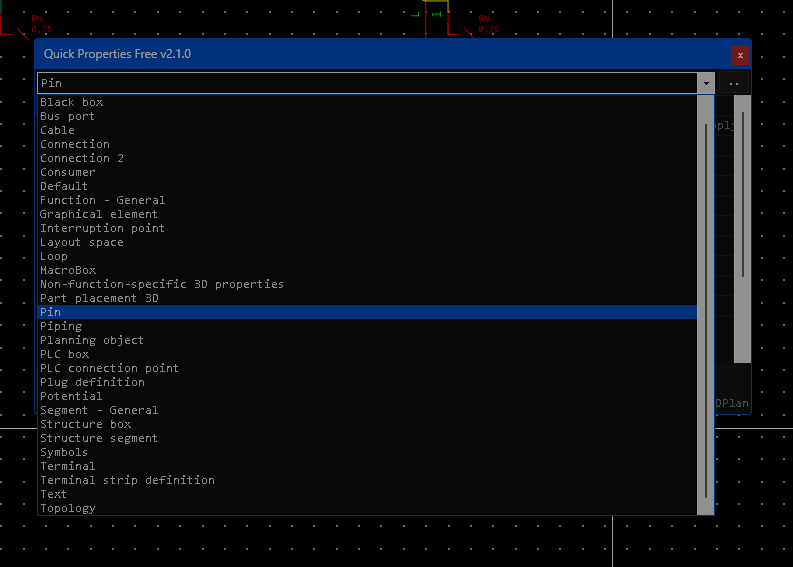
- Rapid selection lists: Pick colors, line thicknesses, and layers in a single click directly from embedded dropdown menus.
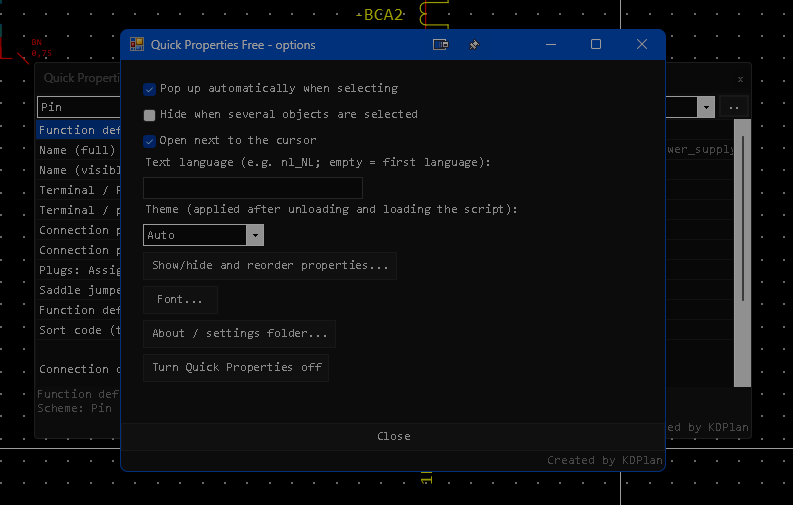
- Flexible row control: Right-click any row to instantly lock it as read-only or unlock it for editing, and reorder fields as needed.
- Custom display: Choose between light and dark themes, fine-tune popup trigger settings, and adjust language preferences.
Edition and licensing
100% free for daily design work — built to boost the individual productivity of every electrical engineer. No registration, license key, or renewal required.
Looking to centrally manage property schemes, import XML data overviews, or standardize workflows across your whole team? Explore the Pro edition.
Version: 2.1.0
Need company-wide standardization? Check out Quick Properties Pro for the complete Property Scheme Designer, XML import/export, and team-wide scheme synchronization.
What’s new
- 2.1.0 4 Nov 2026 Right-click any row to toggle property fields between editable and read-only.
- 2.0.0 4 Nov 2026 New free edition: popup editing, undo support for device tags, multi-selection, and automatic schemes with a clean settings window.
- 2.0.0 4 Nov 2026 Show, hide, and reorder property rows; existing schemes and preferences remain preserved.
Download and installation
Install the ZIP package easily via KDPlan Dashboard or follow the included Install.cmd instructions. In EPLAN, load scripts via Utilities > Scripts > Load.
